How to cool a home office: How to Keep a Home Office Cool (Without Wrecking Your Power Bill)
I work from home in Wilmington, North Carolina, where summer means 90-degree afternoons and air so humid you can practically chew it. My home office used to be the hottest room in the house - and I tried fixing it by throwing money at a big portable air conditioner before I realized I was solving the wrong problem first. Here's what actually works.
How Hot Is Your Home Office Really?
- You can measure your room in square feet by multiplying the width by the length, and you should note the ceiling height too. A 10×12 office with standard 8-ft ceilings is 120 sq ft. You'll need that number later to figure out the size of the cooling system you need. Higher ceilings have more air volume and can take more energy to cool.
- Track when the room feels hottest. Is it direct sunlight at noon, late afternoon or long Zoom calls with your monitor, laptop and ring light all pumping out hot air? When you know the pattern, you can tell whether your problem is solar gain, internal heat from gear or both.
- You might want to stick a cheap digital thermometer and humidity gauge on your desk for a few days and write down the temperature and the humidity. Above about 60% relative humidity, most rooms feel stuffy even when the indoor temperature is only moderate.
- About 39% of Wilmington's 67,186 housing units were built before 1980, which is the limit for lead-paint rules. Older buildings often have weak insulation and leaky windows. That can make cooling the home office harder. The middle home in the City of Wilmington was built in 1990, so even "newer" stock may have dated energy performance.
Keep the Home Cool First
- You might want to find south- and west-facing windows that catch direct sunlight during work hours. You'd want to shade those first. They are your biggest problem.
- Installing curtains that block out light can block solar heat gain during peak hours, and even a $25 set from a big-box store can drop a small office several degrees on a July afternoon. Thermal backed curtains block the sun's rays during summer months especially well, and double-cell shades with a honeycomb pattern trap air in two layers and perform even better. Using blinds can reduce a lot of unwanted solar heat gain, and closing blinds can reduce indoor heat gain by up to 45%.
- Reflective window film can be a solid project for a DIY weekend. Peel-and-stick low-E film sends sunlight away from the office and can cut solar gain by 30–50% or more. In most North Carolina single-family homes, no building permit is needed because you're not changing the structure or the HVAC system.
- Place light-colored objects near windows to reflect heat away from the office rather than absorbing it.
- Think about outside shade where you can manage it: a small awning, patio cover with open sides, or shade sail over a backyard office window. If you're planning ahead, a tree that loses its leaves in fall on the west side helps future summers while letting winter sunlight through.
- Keep interior doors closed during peak sun hours so the hot space doesn't share its warm air with the rest of the house you're trying to keep cool.
Cool Your Office Naturally
- You can open windows early (before 9 AM) and late (after 6 PM) to flush hot air out. Opening windows in the evening cools indoor air effectively - outside air is cooler at night and in the morning, so take advantage of those few hours.
- Cross-ventilation improves cooling by letting hot air escape. You can open a window in the office and another on the opposite side of the house, then put a box fan in one window to pull cooler air in and push warm air out. Fans can create cross-ventilation by pulling in cooler air from outside, and putting fans near windows can help with cooling efficiency.
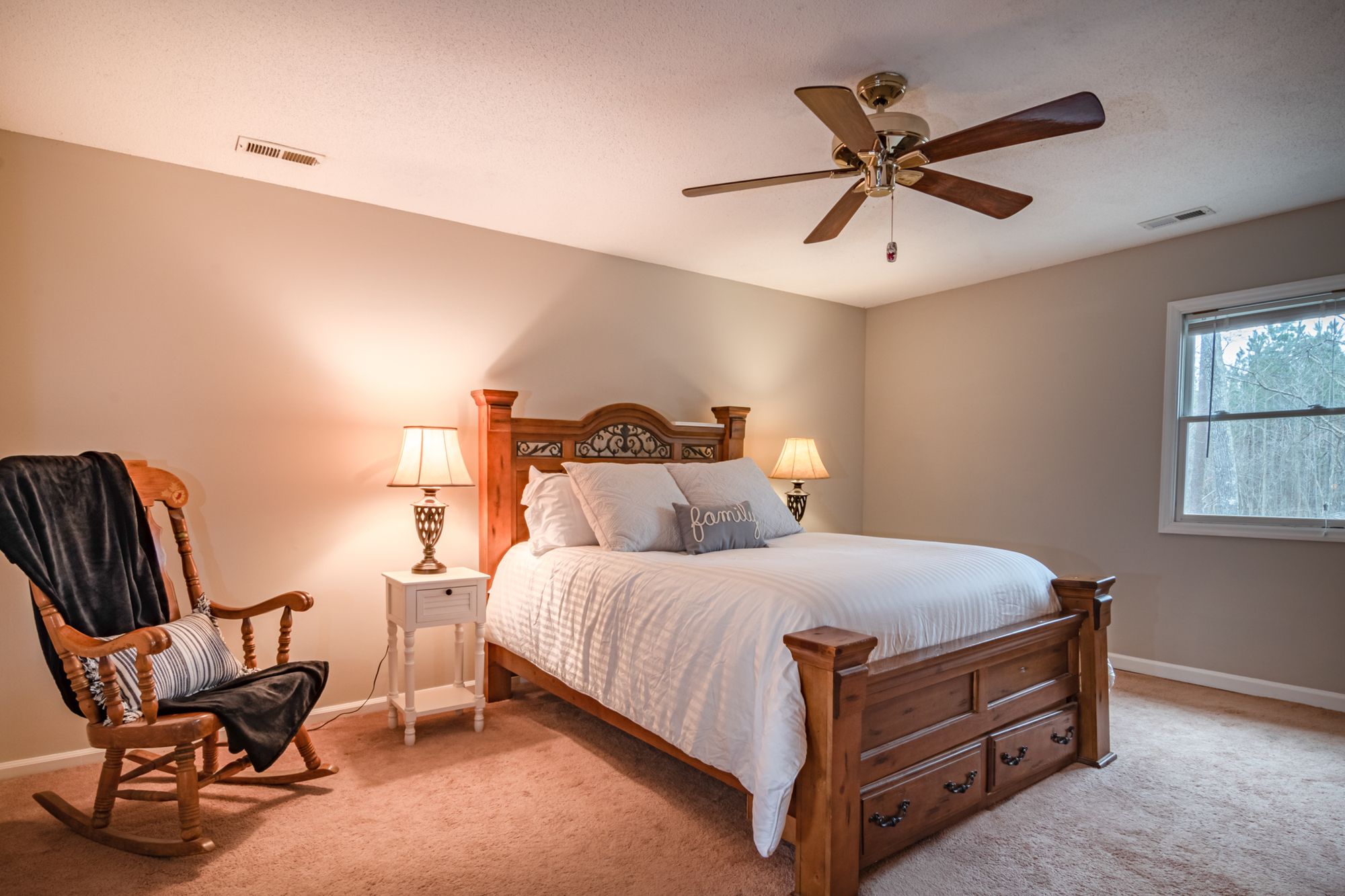
- A ceiling fan that's set counterclockwise in summer pushes air down and creates a cooling breeze. Running ceiling fans counterclockwise during summer is the standard move, and ENERGY STAR-certified fans can be about 40% more efficient than conventional models.
- Tower fans provide wider airflow than regular fans and work well next to a desk. A small USB fan pointed at your torso instead of your face keeps you from getting dry eyes while keeping you comfortable.
- DIY "poor man's AC": set a fan so it blows across a shallow pan of ice or frozen water bottles. The fine mist and cold air give short-term relief, and that's great for getting through a meeting.
Picking an AC for a Home Office
- Sizing: As a rule of thumb, figure about 20 BTU per square foot. A 150 sq ft office needs about 3,000 BTU. Bump up if the room gets heavy direct sunlight, has lots of electronics, poor insulation or above-average ceiling height.
- Window AC: Best for offices with a suitable window. A window unit is usually quieter and more effective than a single-hose portable because it sends heat directly outdoors. An 8,000 BTU window AC draws about 750W, while a similar portable draws around 1,100W for the same cooling. Window air conditioners can also include a heat pump mode, so you can stay warm in shoulder-season months. Secure mounting and weatherstripping the gap around the chassis are essential.
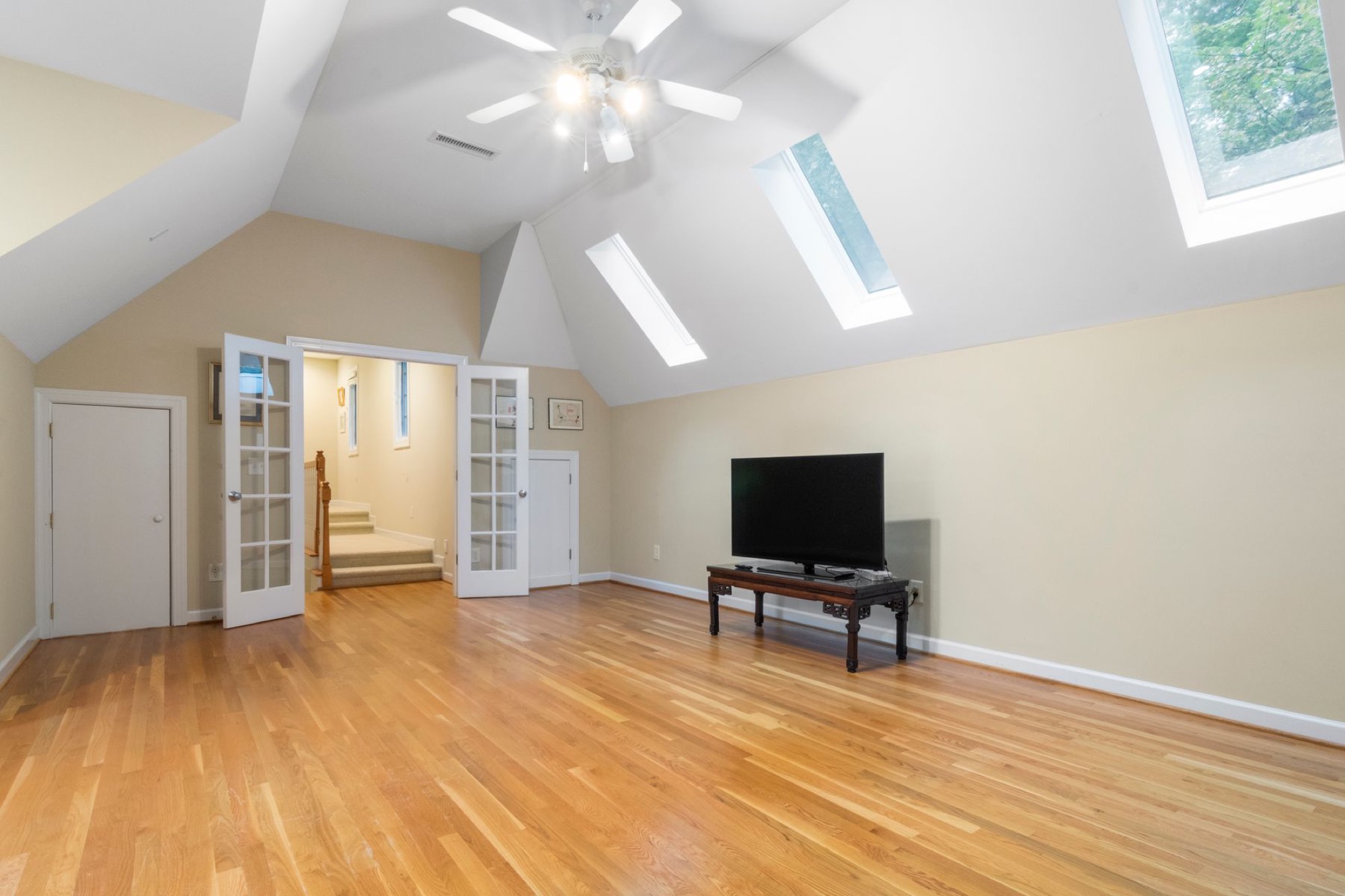
- Ductless mini split: A split air conditioner has an outer part and an inner part that are connected by refrigerant lines. It costs more up front, but it's very quiet, efficient and provides both cooling and heating. This is a good pick if the office is a converted garage or bonus room with weak existing HVAC.
- DIY angle: You can handle installing a window AC or setting up a portable air unit yourself. Mini splits usually need a licensed HVAC pro to run lines, pull a vacuum on the system, and handle refrigerant.
When to Upgrade Your Existing HVAC
- Cutting new ductwork or changing HVAC design in North Carolina usually starts the permitting process. Under G.S. 160D-1110(c), no building permit is needed for work under $40,000 unless it touches load-bearing structure or adds/changes HVAC, plumbing or electrical beyond like-kind replacement. So duct modifications are a job for a pro.
- Many Wilmington homes built around 1990 or earlier have small ductwork for today's always-on home office use, and simply opening another vent might not fix overheating issues.
Cut Heat Sources Inside the Home Office
- Common sources of heat: big tower PCs, multiple monitors turned up bright, laser printers with internal heaters, old desk lamps with halogen bulbs, and always-on phone chargers or speakers.
- Swap a desktop for a laptop on a docking station where possible. Far less waste heat. Replace halogen or incandescent bulbs with LED task lighting (a 60W incandescent becomes a 10W LED with similar light output and a fraction of the heat). Move printers or backup drives to another room if you don't need them at arm's reach.
- Plug gear into a smart power strip so you can shut off monitors, speakers and phone chargers with one button when you're off the clock. That will cut both heat and standby energy use.
- Run big file backups, print jobs or heavy rendering tasks early in the morning or late in the evening to reduce extra heat load during peak afternoon hours.
Humidity, Dehumidifiers and Comfort in a Home Office
In humid air like we get along coastal North Carolina, lowering moisture in your home office can make 76–78°F feel perfectly comfortable without turning the air conditioning down lower.
- Aim for indoor relative humidity between about 40% and 55% to avoid that sticky feeling and reduce mold risk. Keeping relative humidity between 30–50% helps control moisture levels indoors and protects books, paperwork and electronics.
- Using a dehumidifier drops indoor humidity and improves comfort in summer. A small portable unit works well if the office is in a basement, over a crawlspace or on a shaded side of the house where humid air stays around.
- The ENERGY STAR Version 6.0 dehumidifier standard (effective October 1, 2025) sets minimum Integrated Energy Factor: 1.70 L/kWh up to 25 pints/day, 2.01 for 25–50 pints/day, and 3.30 for 50+ pints/day. Look for models meeting these levels for better efficiency.
- Reducing humidity also lightens the load on any air conditioner you use, since the AC doesn't have to work as hard to pull cold water out of the air.
Staying Cool at the Desk
- Wear breathable clothing: lightweight cotton or linen shirts, loose-fit shorts, moisture-wicking socks. Remote workers can dress more casually, so take advantage of it.
- Cooling towels can lower body temperature by 10 to 15 degrees. A cool, damp washcloth on the back of the neck works too. Quick rinses of wrists under cool tap water, or a reusable gel cold pack wrapped in a thin towel during the hottest stretch, all help.
What's Safe to Tackle Yourself?
I'm all for doing your own work. That's the whole point of this site. But some jobs need a licensed pro for safety and to meet code.
- Safe DIY projects: hanging blackout curtains or blinds, applying reflective window film, weatherstripping a drafty door or window, installing a window AC with the included bracket, setting up fans and smart plugs, adding a monitor arm to rearrange your desk layout.
- In North Carolina, work under $40,000 in a single-family home usually doesn't need a building permit unless you're changing load-bearing structure or changing HVAC, plumbing design or electrical wiring beyond like-kind device swaps.
- Call a pro: cutting new supply or return ducts, installing a central air conditioner, or putting in a ductless mini split with refrigerant lines. These need proper sizing, a vacuum pull on the lines, and correct refrigerant charge.
- Consult a licensed electrician before adding new circuits for window ACs or multiple high-draw devices, especially in older buildings, even though simple plug-in swaps on existing outlets are homeowner-safe.
- Be honest about your skill level. The satisfaction of a DIY solution isn't worth a water leak, an electrical issue or a ruined warranty from cutting corners.
FAQ About Cooling a Home Office
Portable or window AC for a small home office?
A window AC usually cools more effectively and quietly for the same BTU rating because it sends heat directly outdoors, while portable air units lose efficiency through the exhaust hose and window kit gaps. That's about 25–30% more electricity for the same cooling. Choose a portable unit only if your window design won't accept a standard window AC or if you need to move the unit between rooms during the year. Evaporative coolers are another option in dry climates, and evaporative cooling systems can be up to 90% more efficient than traditional AC, but they're not ideal in Wilmington's humidity.
Cool Just Your Home Office to Save?
Spot cooling a home office with a dedicated air conditioner, fan or mini split can absolutely save energy if you spend most of your day in that one room and keep the door closed. You shouldn't completely shut down central air conditioning in the rest of the house during extreme heat, but you can raise the main thermostat a few degrees and let the office unit handle your comfort zone. Each degree you bump the thermostat will save about 3–5% on cooling costs over the summer.
Cool a home office with no windows?
In a windowless office, you're limited to fans for airflow, improvements to the main HVAC (like opening or balancing vents), or having a pro add a ductless mini split or tie the room into existing ductwork through a hole in the wall. Portable single-hose ACs still need a way to blow air and send hot air out, so they aren't practical in a fully interior space unless a contractor creates a proper vent path. Focus on cutting internal heat sources and using a dehumidifier to keep comfort in range.
What Temperature for a Home Office in Summer?
Most people do well shooting for around 74–78°F for office temperature while working, adjusting a degree or two based on clothing and humidity. With good airflow from a ceiling fan, controlled sunlight through curtains and humidity in the 40–55% range, many people feel comfortable at the higher end of that band. That saves on air conditioning costs across the summer months. A remote control on your AC or thermostat makes fine-tuning easy without leaving your desk.